Storefront Studio
A downloadable tool
Create storefront artwork without leaving Unity
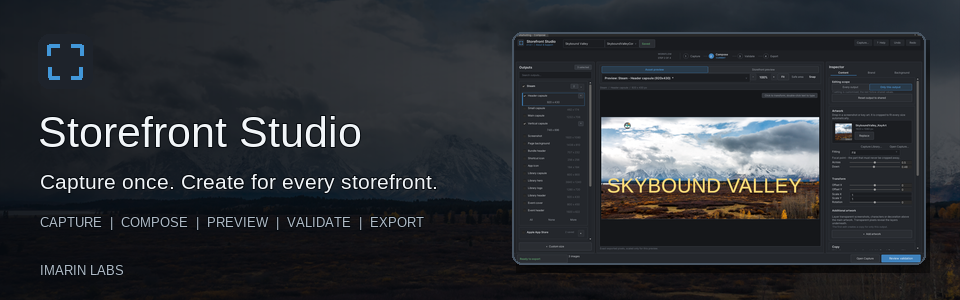
Storefront Studio is an Editor-only production tool for creating game images for Steam, Google Play, Apple App Store, Unity Asset Store, itch.io, general marketing, and custom dimensions.
Capture your game or begin with existing artwork, then design, preview, check, and export every selected size through one clear workflow.
One workspace. Four simple steps.
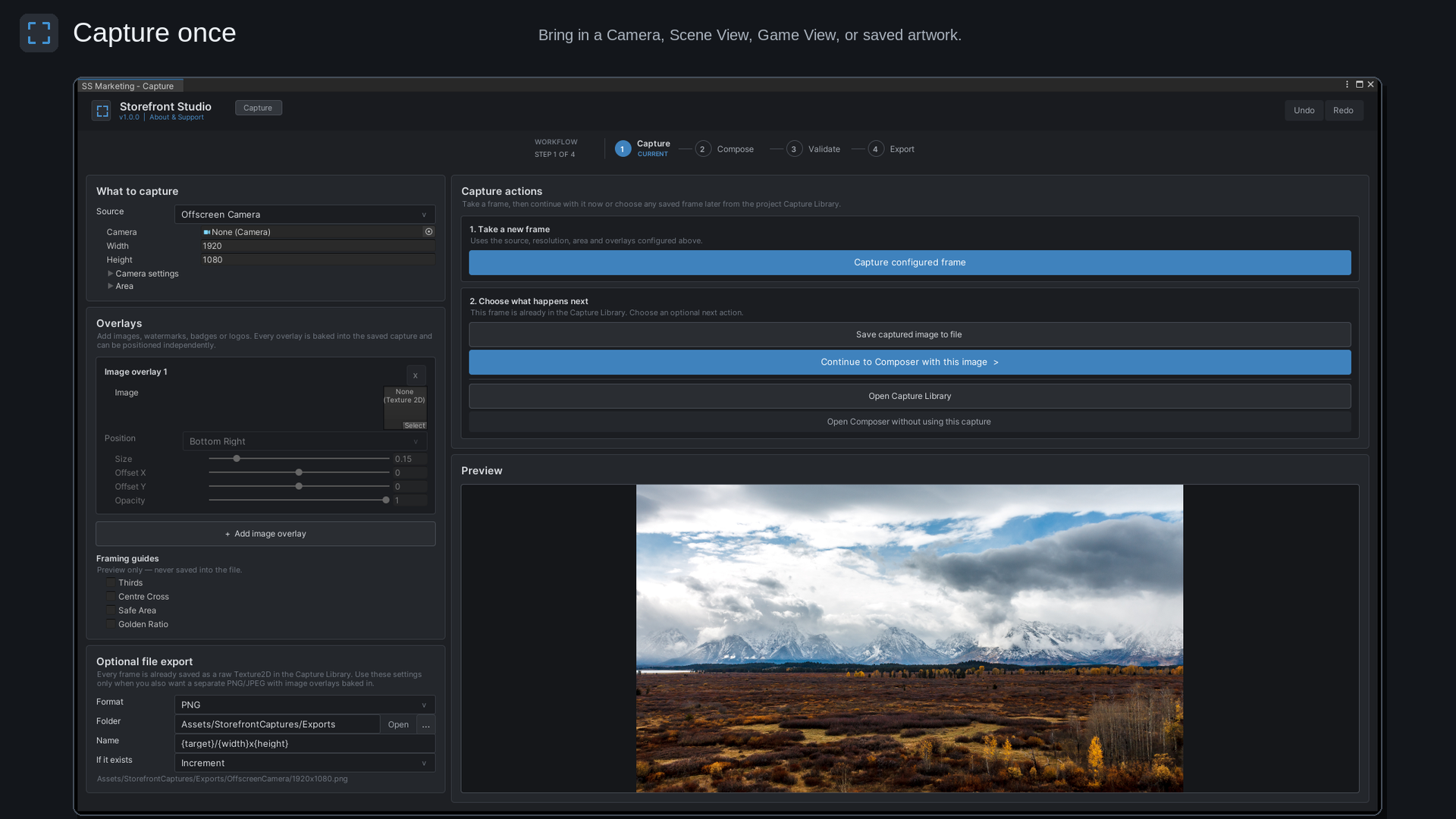
- Capture - Capture the Game View, Scene View, or an offscreen camera. Crop the image, add overlays, and save captures inside your Unity project.
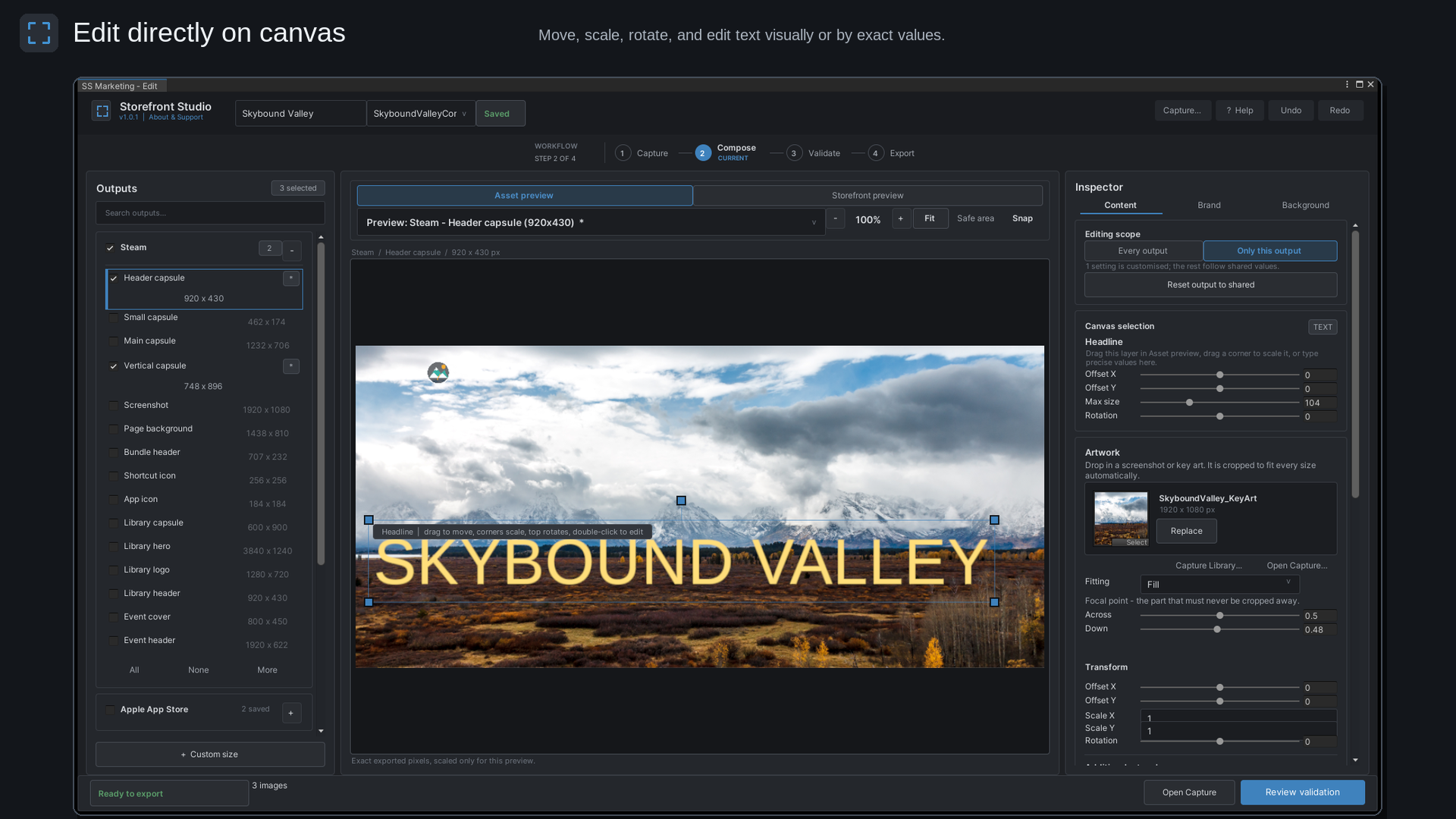
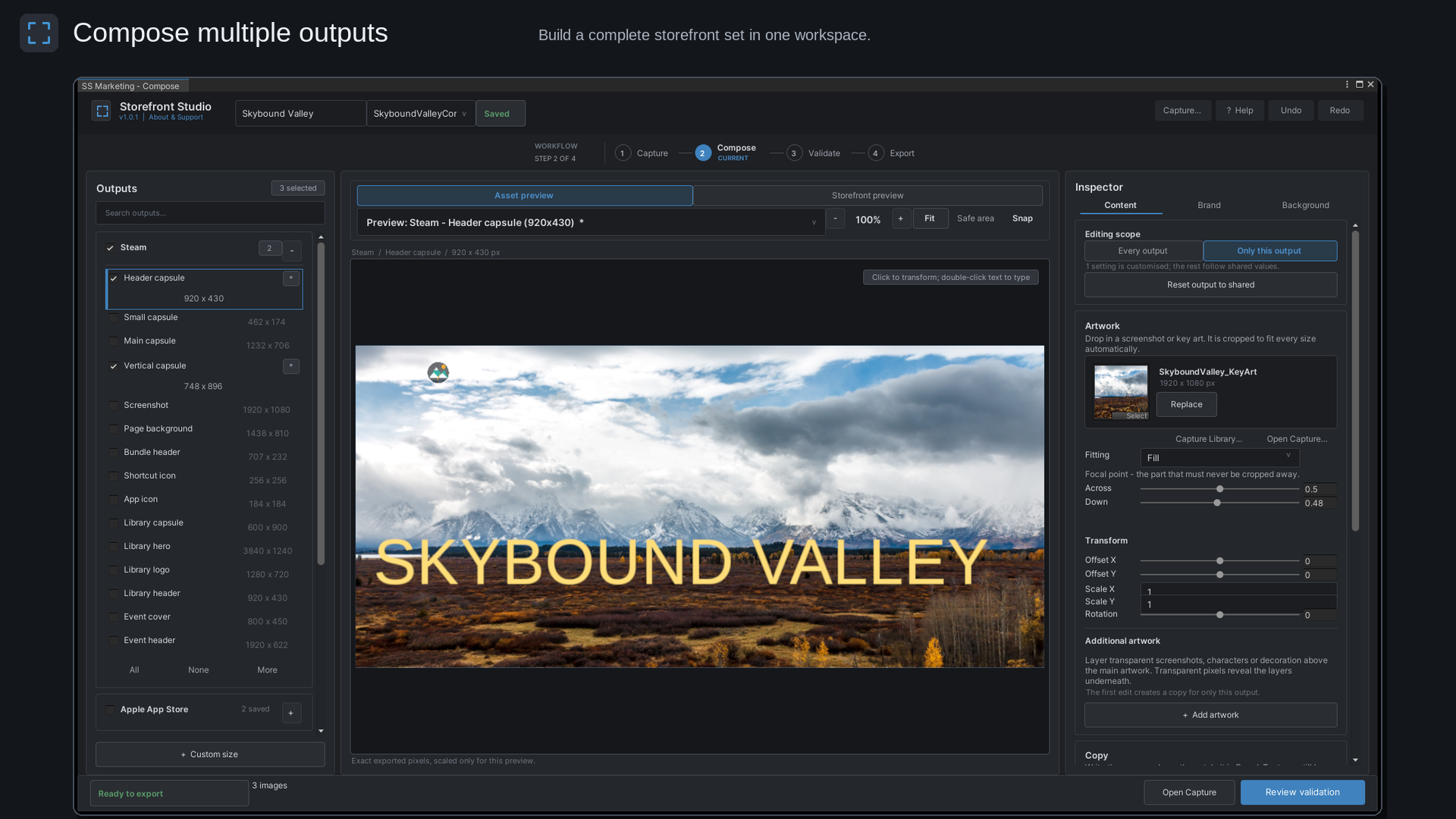
- Compose - Add artwork, logos, headlines, taglines, and independent text layers. Move, resize, rotate, mirror, and snap elements visually or enter exact Inspector values.
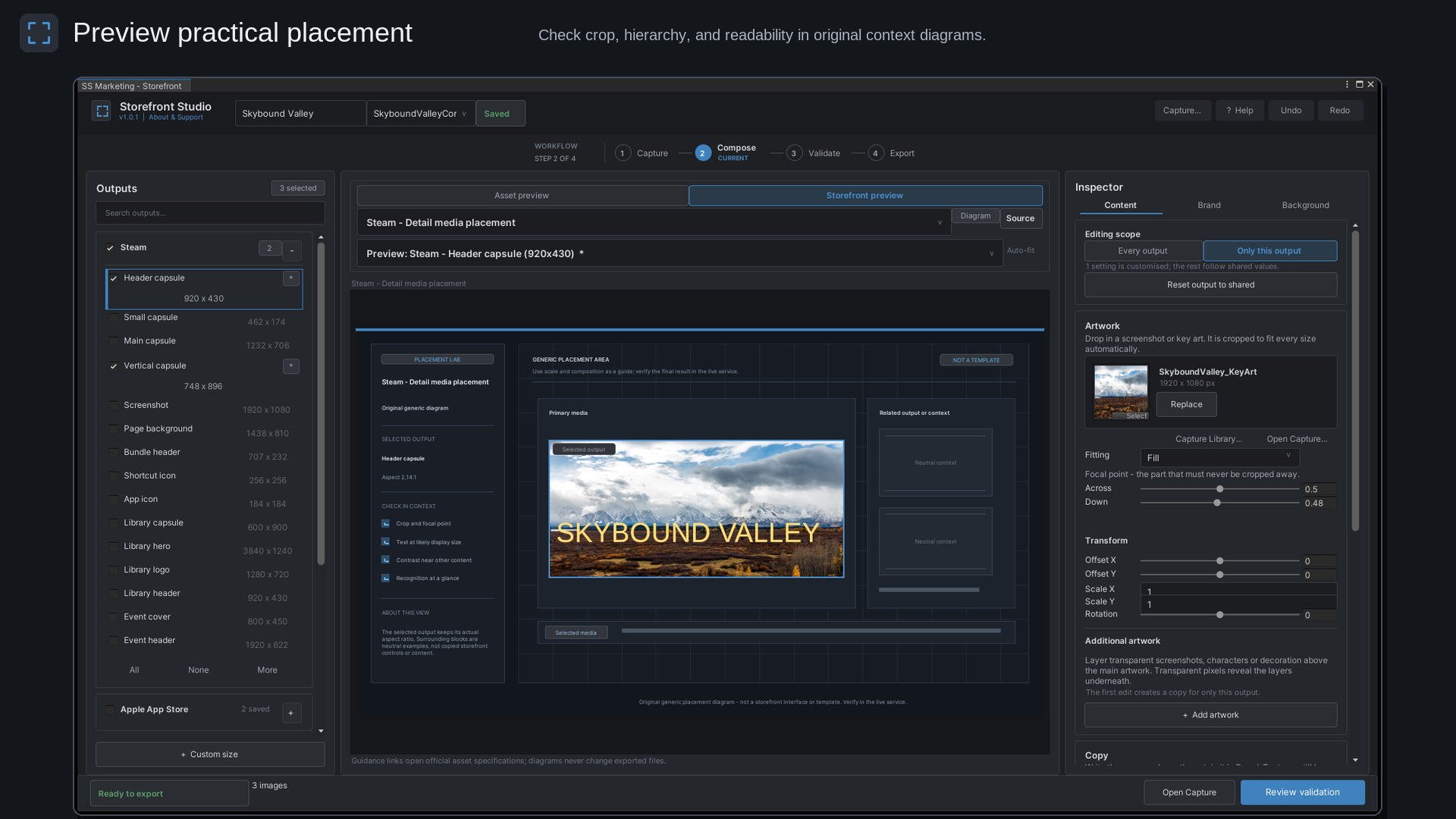
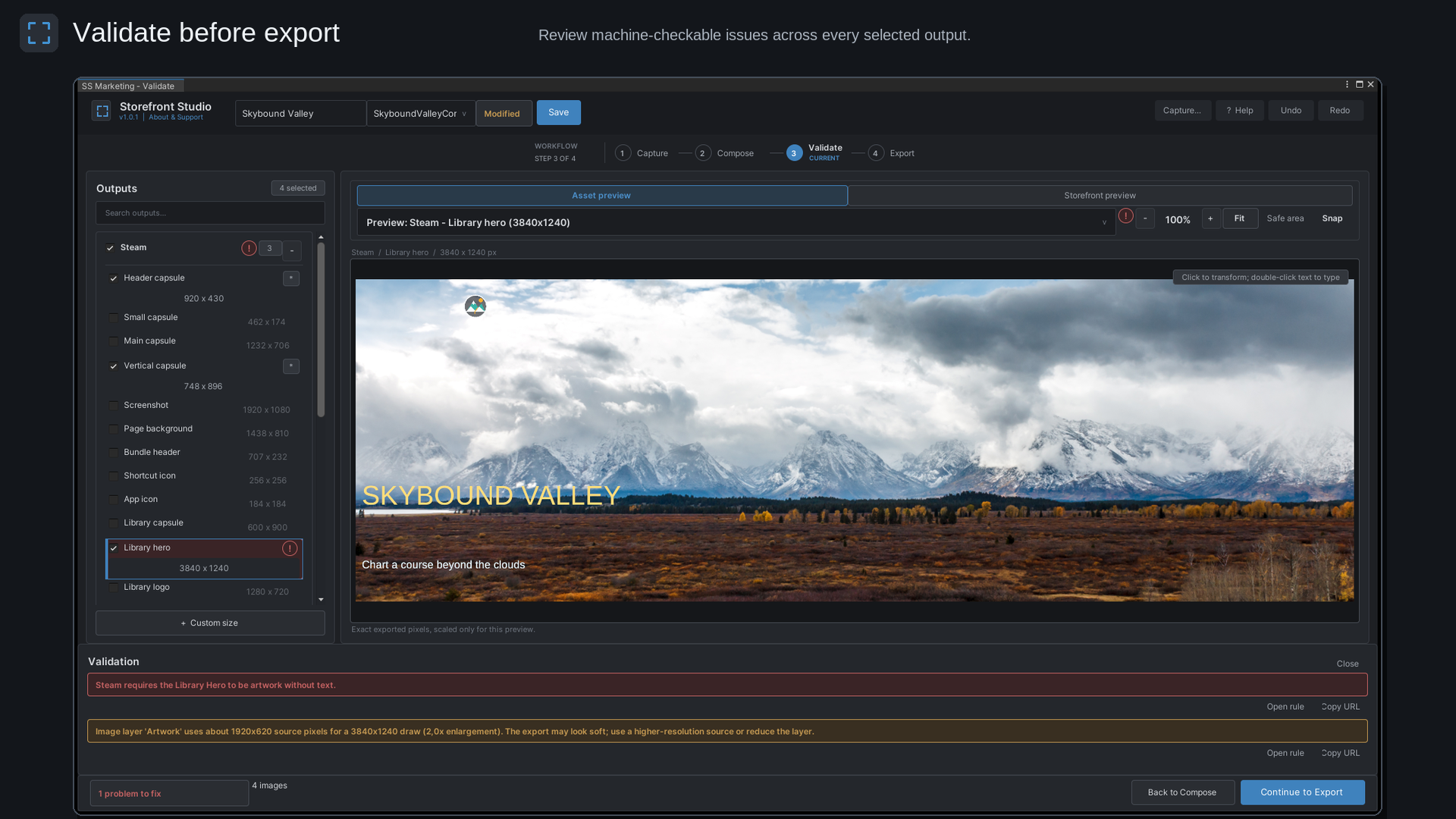
- Preview and validate - Inspect exact exported pixels, review original storefront placement diagrams, and run rule-aware checks.
- Export - Batch export selected outputs as PNG or JPEG files using customizable folders and file names.
Built-in output categories
- Steam
- Apple App Store
- Google Play
- Unity Asset Store
- itch.io
- General marketing
- Custom dimensions
Key features
- Multiple artwork and text layers
- Direct canvas editing
- Per-output adjustments
- Shared settings across multiple sizes
- Storefront placement previews
- Safe-area guides
- Mouse-wheel zoom and middle-mouse panning
- Rule-aware validation
- Batch PNG and JPEG export
- Saved compositions and session recovery
- Undo and Redo
- Interactive guided tutorial
- Included sample composition and documentation
Requirements
- Unity 2022.3 LTS or Unity 6
- TextMesh Pro
- Editor-only; no runtime components
Private and local
Everything runs locally inside the Unity Editor. Storefront Studio does not upload project files, collect analytics, require an account, or add runtime components to player builds.
Installation
- Download the package matching your Unity version.
- Import the
.unitypackageinto your Unity project. - Accept Unity’s TextMesh Pro package dependency prompt if shown.
- Open Window > Storefront Studio.
- Run the included tutorial or open the sample composition.
Important information
Storefront placement previews are original approximations, not replicas of live storefront pages or guarantees of platform acceptance. Always confirm the latest official platform requirements before publishing.
Purchases are platform-specific. An itch.io purchase does not provide ownership or download access through the Unity Asset Store, and vice versa.
Documentation and support
Support: https://imarinlabs.com/contact/
Website: https://imarinlabs.com/
Email: contact@imarinlabs.com
The demonstration content uses Liberation Sans under the SIL Open Font License 1.1 and public-domain USGS photography. See Third-Party Notices.txt in the package for details.
How to Capture Game Images in Unity
How to Compose Storefront Images in Unity
Purchase
In order to download this tool you must purchase it at or above the minimum price of $17.49 USD. You will get access to the following files:
Leave a comment
Log in with itch.io to leave a comment.